01 / VS CODE EXTENSION
Focus Line Highlighter
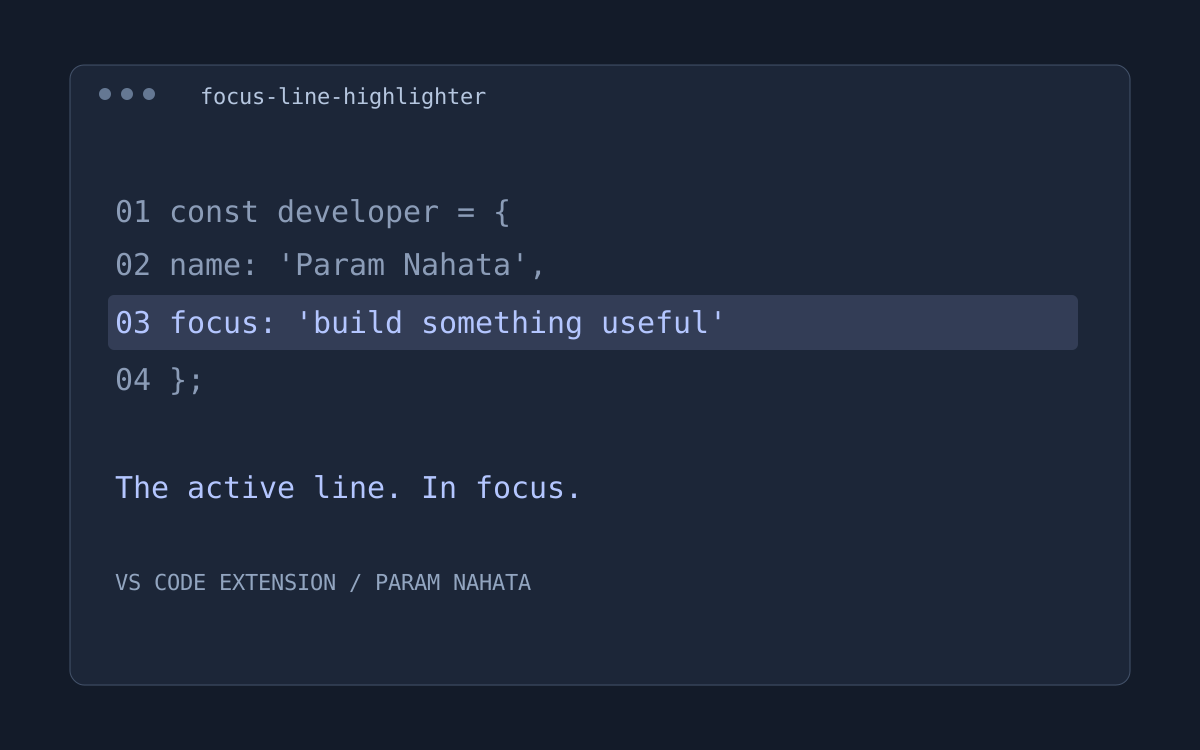
A soft, layered glow for the active line in VS Code. Works automatically as the cursor moves.
- A layered active-line glow
- Automatic cursor-following highlight
- No command required to begin
Three published VS Code extensions, each built around a simple idea: less friction, a little more focus, and more time to build.
A soft, layered glow for the active line in VS Code. Works automatically as the cursor moves.
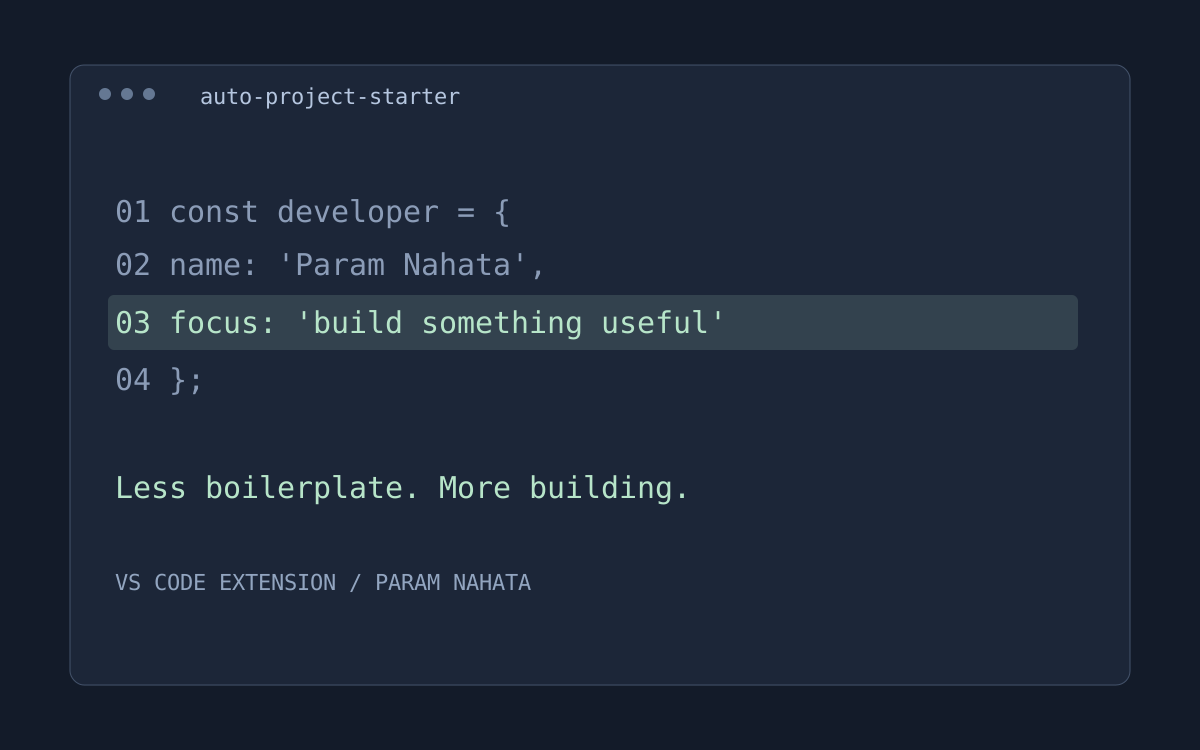
Generate HTML, Node Express, React and PHP starter projects from the VS Code command palette.
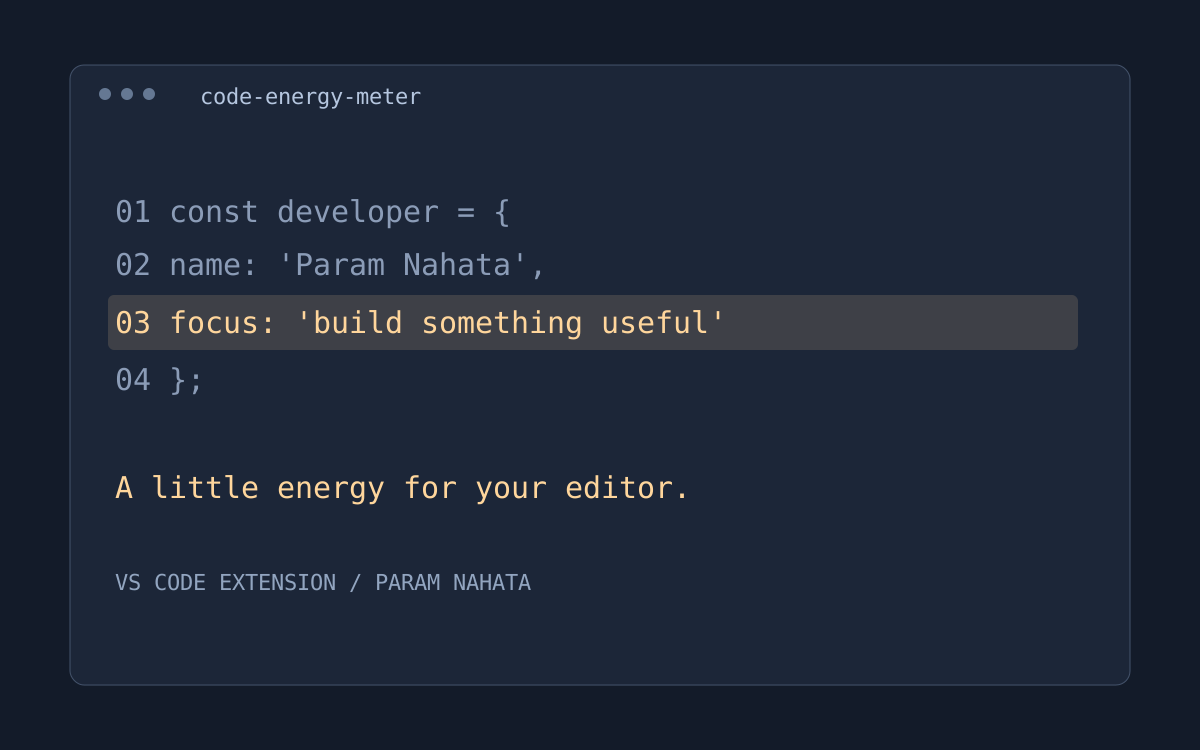
A playful VS Code energy meter that responds to typing, deletions and saves.
Explore the browser study companion, presentation tracker and other experiments in the full work collection.
Explore developer tools →